01 / Capture
Keep the facts.
Capture mission results, training, leadership, and command contributions. Use manual capture or Tell AI, review its structured preview, and explicitly save the entry.
EvalBud for Navy
Keep a searchable record of the work behind your EVAL, CHIEFEVAL, FITREP, and awards. Start with facts, not a blank document at the end of the cycle.
One connected workflow
Manual capture, a searchable Log, AI drafting, saved revisions, and authorized Team collaboration—with your service’s context.
01 / Capture
Capture mission results, training, leadership, and command contributions. Use manual capture or Tell AI, review its structured preview, and explicitly save the entry.
02 / Prepare
Keep supported EVAL, CHIEFEVAL, FITREP, and award paths distinct.
03 / Review
Review, revise, and share selected drafts with authorized Team reviewers. Check facts and current instructions before using any output.
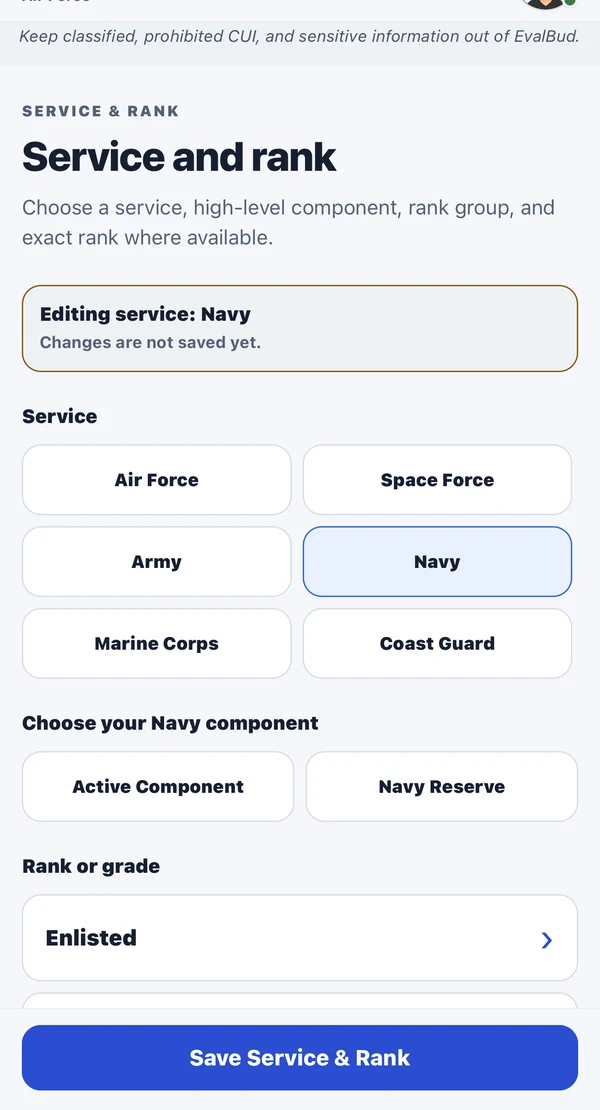
Navy workflows resolve to supported EVAL, CHIEFEVAL, or FITREP routes according to the selected rank and profile. Preserve Navy terminology and the requirements of the selected output.
Verify the reporting period, current form, and reporting-senior guidance before use. A generated narrative does not establish official marks, promotion recommendations, or approval.
Keep classified, CUI, operationally sensitive, medical, disciplinary, and other restricted information out of EvalBud.
Prepare the next draft
A useful Navy EVAL or FITREP draft starts with the Sailor's work during the reporting period. Keep accomplishments, qualifications, leadership scope, and results organized so the appropriate reviewer can check the draft against the correct report.
Record the date, duty context, action, and observable result. Keep support for claims available through approved channels.
Select a supported EVAL, CHIEFEVAL, FITREP, or award path for the profile. Check that the reporting period and route are correct.
Revise the narrative with authorized reviewers. EvalBud does not assign marks, promotion recommendations, or final approval.
EvalBud is independent drafting assistance, not an official report or approval system. Read the evaluation preparation guide, or get the free app to begin a Personal Log.
Free and Pro
Free core capture and limited AI assistance. Pro at $4.99/month or $39.99/year in the U.S., subject to the store’s local pricing and terms.
Start with your record
Capture the work now. Give yourself—and your reviewer—a better starting point later.
Free to download. Optional Pro subscription.
Store availability and pricing may vary.
Explore another service