Selected copies, not your Log.
Contribution, sharing, and routing are explicit actions. A submitted draft is a bounded Team copy, not a live view of everything on your device.
Team Space
A connected workspace for selected accomplishments, evaluation drafts, and award packages. See reporting relationships and help the next draft move forward.
Team requires sign-in and applicable workspace permissions.
A clear boundary
Joining a Team does not expose your entire Personal Log. Rank, title, payment, or a product-admin role does not grant access to another member’s private records.
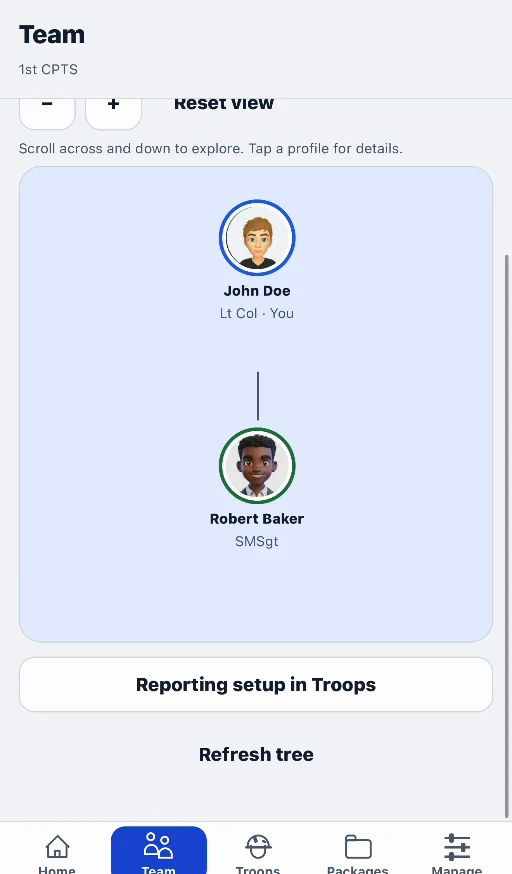
01 / Connect your people
Create or join a Direct Team, manage invitations and assignments within your role, and view the reporting structure for the people you are authorized to work with.
This release does not include expanded organization administration/verification, sponsored seats, or Team billing.
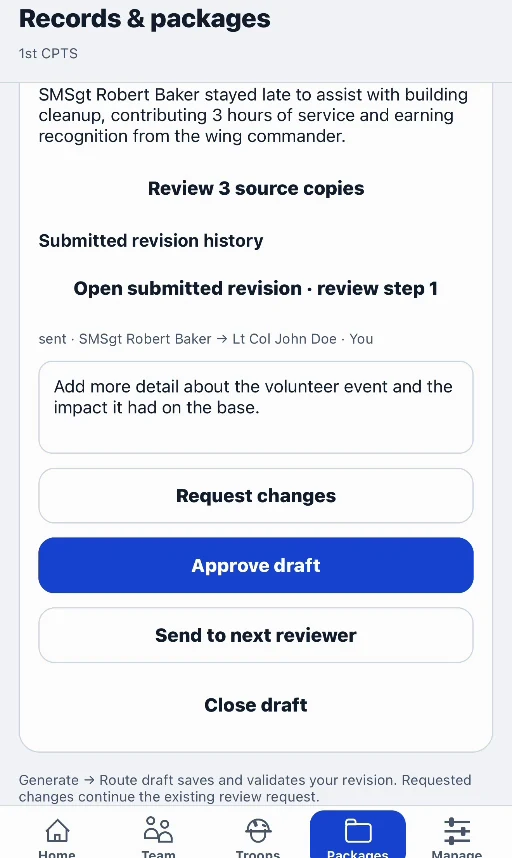
02 / Route, review, revise
Route a selected draft to an authorized reviewer. Review the submitted text and bounded sources, return specific requested changes, and keep revisions moving through the review steps.
In-app review is a collaboration workflow. It is not an official military approval, submission, or award decision.
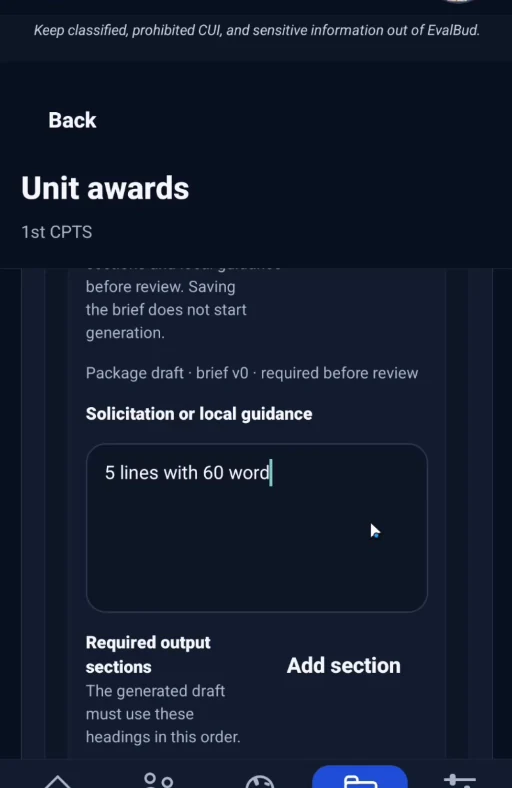
03 / Prepare award packages
Set the package brief and required sections, include authorized sources, and complete source-owner consent and review requirements before generating and using the result.
Built for deliberate collaboration
Contribution, sharing, and routing are explicit actions. A submitted draft is a bounded Team copy, not a live view of everything on your device.
Use the available reporting, blocking, and appeal paths. Keep report summaries truthful and free of restricted information.
Revocation can limit future access or use; it cannot pull back a file that someone has already exported. Read the retention and deletion details.
Read the Team privacy details →Start with your record
Capture the work now. Give yourself—and your reviewer—a better starting point later.
Free to download. Optional Pro subscription.
Store availability and pricing may vary.