01 / Capture
Keep the facts.
Capture the action, scope, and measurable result while the details are fresh. Use manual capture or Tell AI, review its structured preview, and explicitly save the entry.
EvalBud for Air Force
Build a record of mission impact, leadership, resource management, and improvement. Turn selected accomplishments into an EPB, OPB, or award draft when it is time to write.
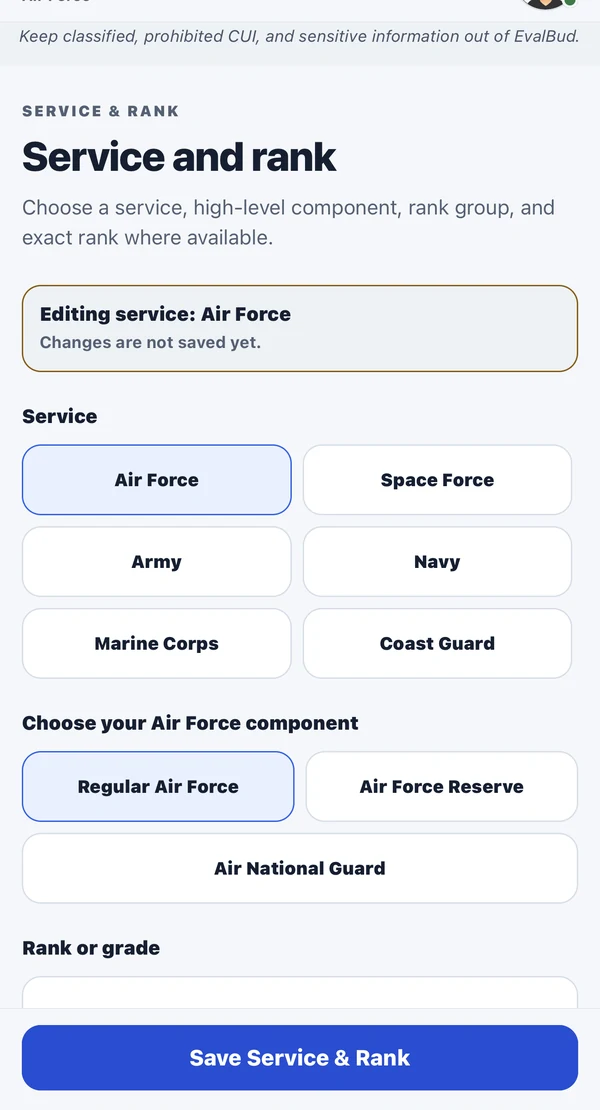
One connected workflow
Manual capture, a searchable Log, AI drafting, saved revisions, and authorized Team collaboration—with your service’s context.
01 / Capture
Capture the action, scope, and measurable result while the details are fresh. Use manual capture or Tell AI, review its structured preview, and explicitly save the entry.
02 / Prepare
Organize work by period, category, and performance area.
03 / Review
Prepare EPB, OPB, and selected or full AF Form 1206 award sections. Check facts and current instructions before using any output.
Choose the supported enlisted or officer route, retain the relevant performance-area context, and prepare selected or full AF Form 1206 sections. Review the draft against the current form and your local instructions.
Optional impact or outcome gaps remain review prompts rather than blocking a complete entry. A confirmed date and a concrete description are required for generation readiness; incomplete records can still be saved under Needs details.
Keep classified, CUI, operationally sensitive, medical, disciplinary, and other restricted information out of EvalBud.
Prepare the next draft
For an EPB or OPB, start by selecting accomplishments from the actual reporting period. For an award, choose the work that supports the nomination and use the appropriate AF Form 1206 route. A useful draft begins with dates, your role, what changed, and evidence you can verify.
Record what you did, who was involved, and the scope of your responsibility. Keep a date so you can find the work for the right period.
Add a result or context you can substantiate. If the outcome is not known yet, leave a review note instead of inventing a number.
Select EPB, OPB, or supported AF Form 1206 sections in the app; then edit for your audience and check the current form and local instructions.
EvalBud is independent drafting assistance, not an official report or approval system. Read the award draft preparation checklist, or get the free app to begin a Personal Log.
Free and Pro
Free core capture and limited AI assistance. Pro at $4.99/month or $39.99/year in the U.S., subject to the store’s local pricing and terms.
Start with your record
Capture the work now. Give yourself—and your reviewer—a better starting point later.
Free to download. Optional Pro subscription.
Store availability and pricing may vary.
Explore another service